July 29th, 2025
Tower now uses UV to manage the entire Python execution pipeline under the hood. This means you get access to all of UV’s great features: pyproject.toml for managing dependencies, declaring the Python version you want to use at runtime in .python-version, and more. All of your legacy Tower apps that use requirements.txt still work, too!
July 22nd, 2025
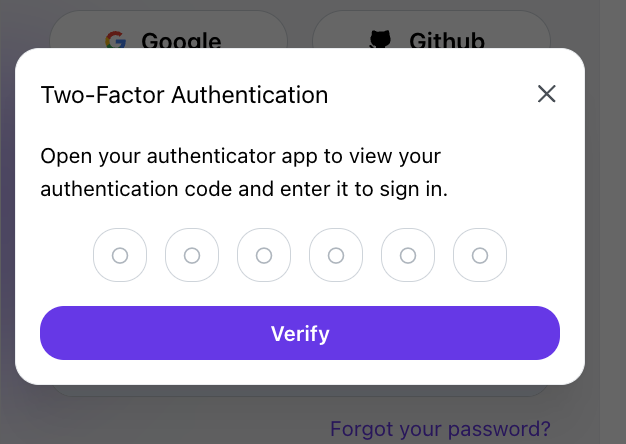
Tower added support for Multi-Factor Authentication (MFA) using one-time passwords (OTPs). Users can enable MFA in their Account Settings. Click on "Add," scan the QR code, or copy and paste the text code into your authenticator app.
July 15th, 2025
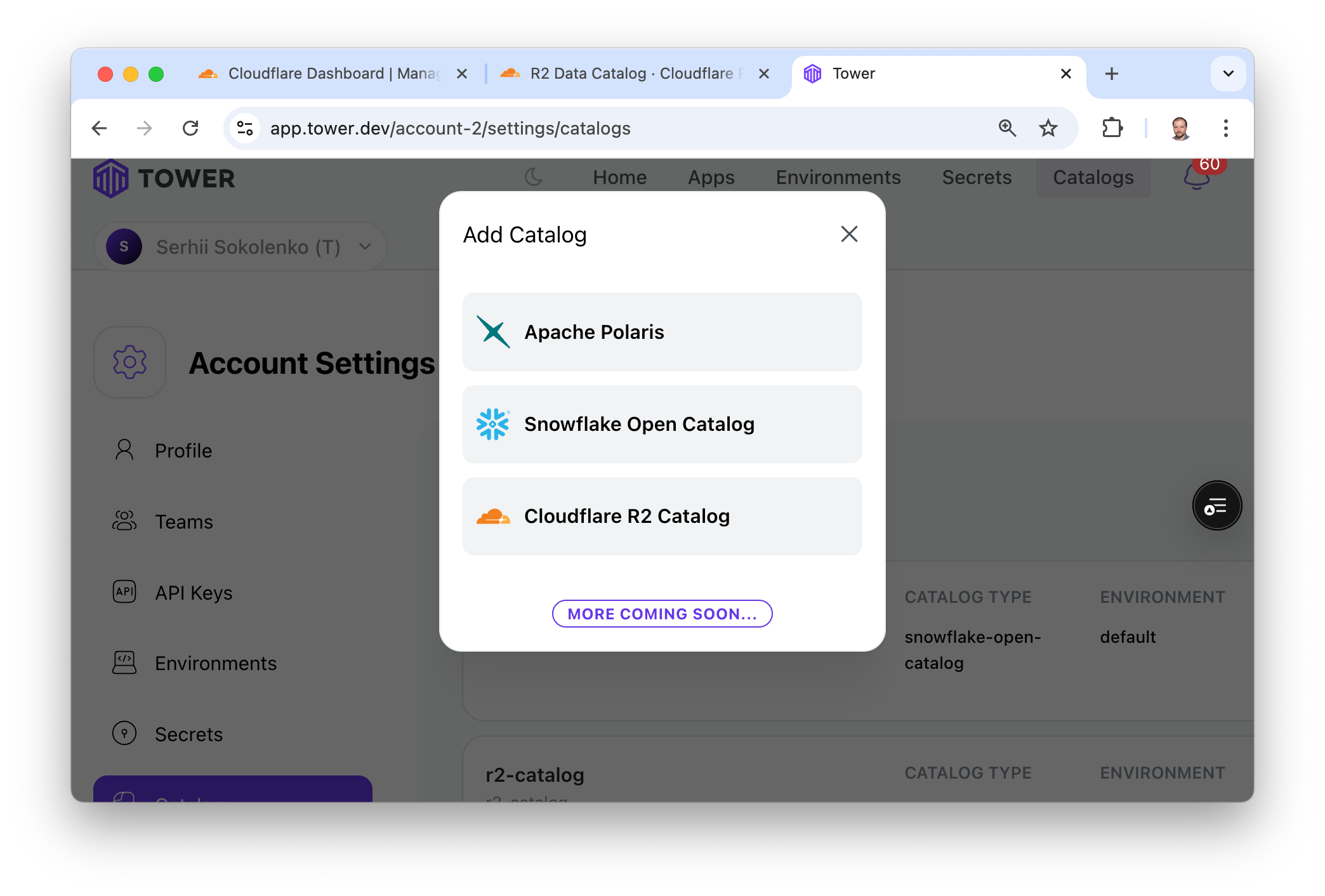
We added support for Cloudflare R2 object storage and R2 Iceberg catalogs in Tower. You can now build Apache Iceberg-based lakehouses on R2 storage and integrate the necessary R2 Iceberg catalogs into Tower apps. Set up R2 Catalogs under Account Settings > Catalogs.
June 19th, 2025
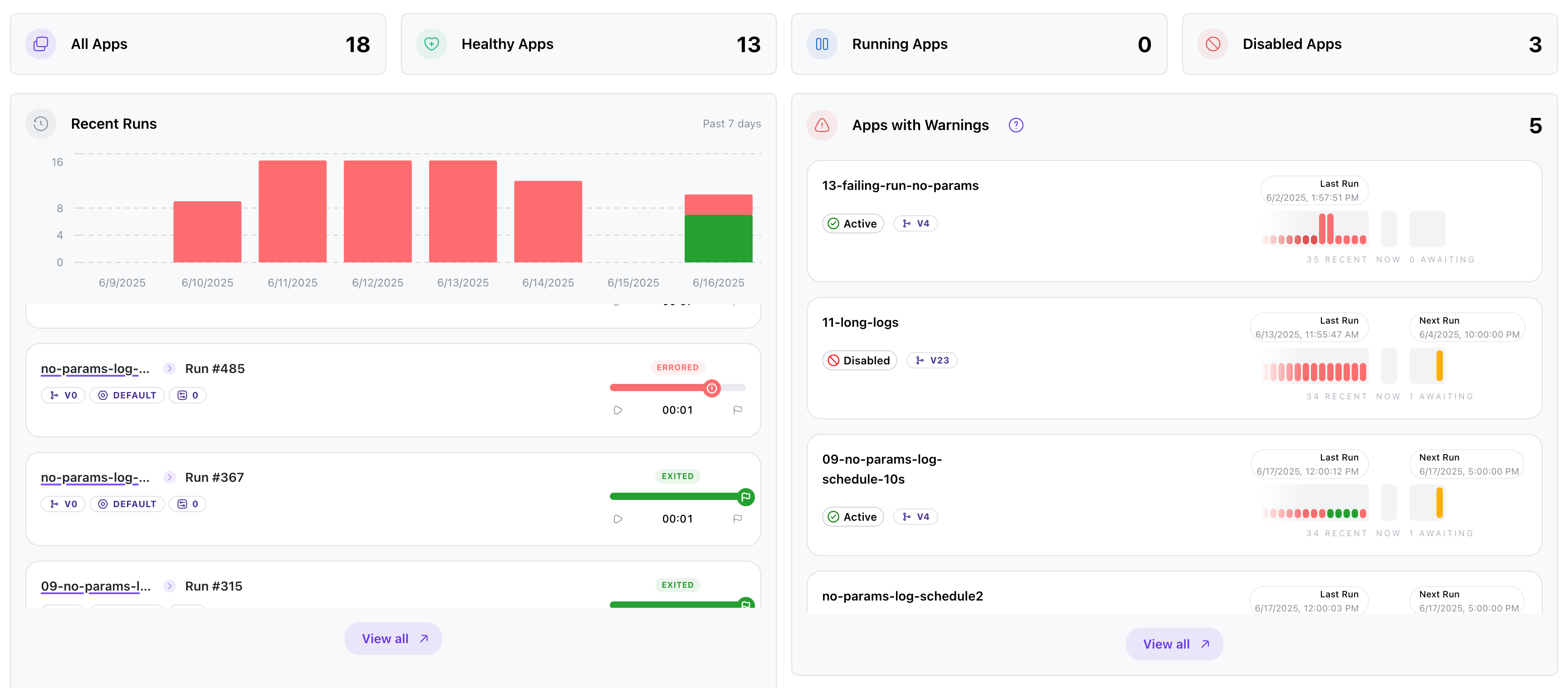
We’re excited to introduce a redesigned and more insightful Home Dashboard to enhance your monitoring and management experience. Here’s what’s new:
✅ Key Improvements
At-a-Glance Metrics: Quickly view the total number of apps, healthy apps, running apps, and disabled apps with clear, color-coded counters.
Recent Runs Visualization: A new 7-day bar chart shows recent run activity and highlights success vs error trends.
Run History Insights: Easily track individual run outcomes (Errored, Exited) with duration and status indicators.
Warnings Panel: A dedicated "Apps with Warnings" section flags problematic apps and provides context like version, last run time, and next scheduled run.
Version & Environment Tags: Improved visibility into app versions and environments directly from the dashboard.
📊 Enhanced User Experience
Clearer labeling and icons for run statuses and activity.
Better organization for navigating run logs and app issues.
"View all" buttons now lead to detailed logs and app statuses with one click.